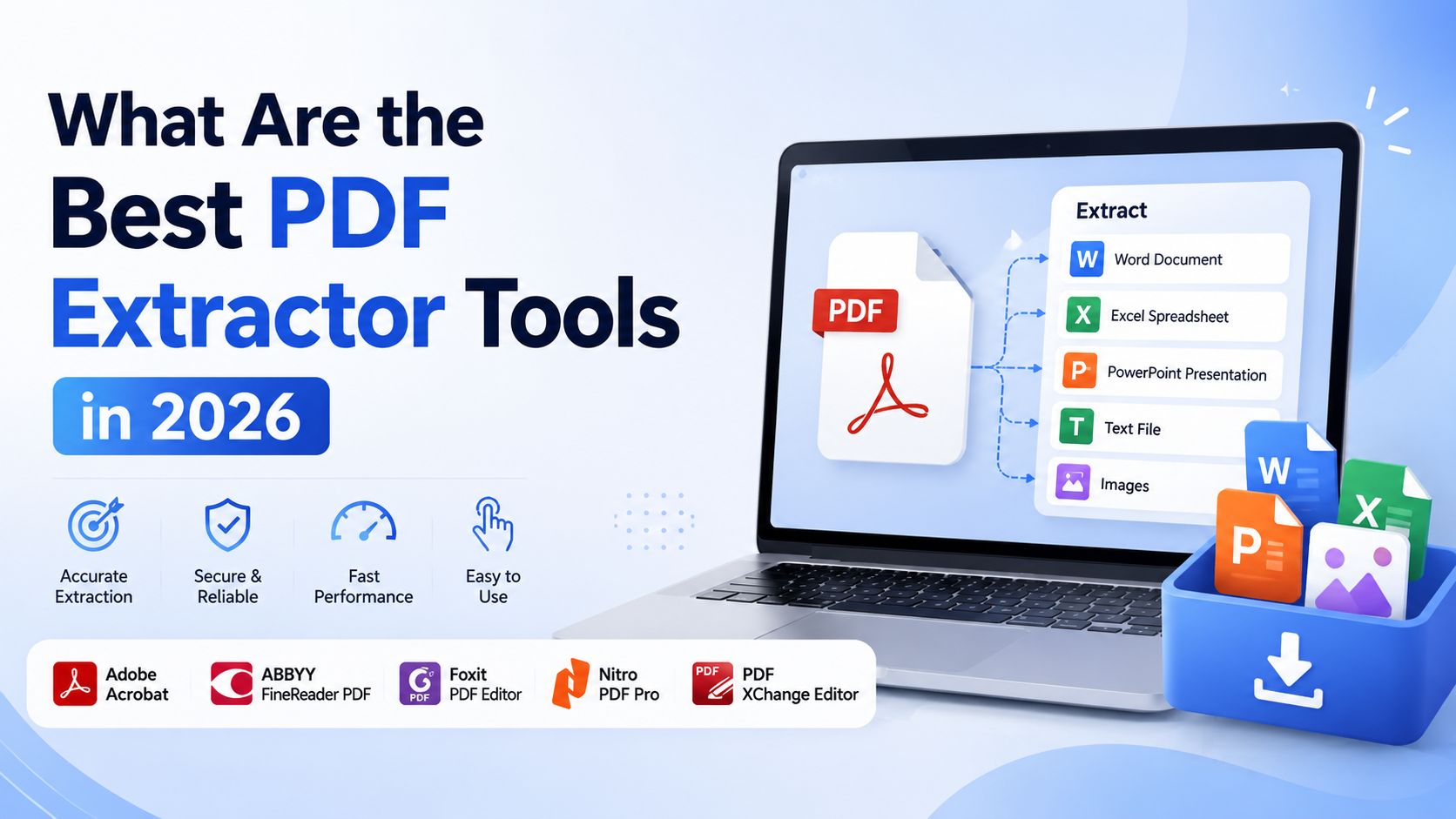


What are the best PDF extractor tools in 2026.

We have all been in a situation where we have a PDF document with important tables, invoices or contact details and we try to highlight and copy the information but the formatting gets all messed up. PDFs are great for reading because they look the same on every screen. They can be really stubborn when you need to get the data out of them.

If you are spending a lot of time entering data by hand it is time to make your work easier. Before we look at the PDF extraction software we want to share a secret with you. At ilovepdf3.com we think that managing documents should not be expensive. That is why our website has over 100 online PDF tools to help you merge, split, compress and extract basic text without paying anything. The only thing you might see is an ads, which help us keep our servers running and our tools free for everyone.

If you are working with data extraction like lots of different invoices or big data tables you might want to look into specialized parsers. Lets look at the PDF extractor tools available in 2026 to help you find the right one.

1. Parsli: The no-code AI parser. If you need to get data from PDFs without knowing how to code Parsli is the best option in 2026. It uses AI models like Google Gemini 2.5 Pro and works well with native and scanned PDFs. Parsli is best for people who do not know how to code, freelancers and small businesses that deal with document layouts. The key features of Parsli are that you do not need to build templates or draw zones over your documents. You just define the schema, which's the fields you want and the AI finds the data even if the layout changes completely from one page to the next. Parsli also syncs directly with Google Sheets and Zapier.

2. Parseur: The king of automated workflows. When you get lots of PDF attachments via email every day like purchase orders or real estate leads uploading them manually can be a chore. Parseur is designed to automate this process. Parseur is best for accounts HR teams and supply chain logistics. The key features of Parseur are that it has multi-template support, automatic layout detection and seamless integration with platforms like Make and Power Automate. Parseurs AI engine is very intuitive making it easy to extract line items from invoices.

3. Adobe PDF Extract API: The heavyweight. Sometimes you do not just want the text you want the reading order, the exact font styles and the relationships between tables. Because Adobe invented the PDF their PDF Extract API is unmatched in understanding the structure of PDFs. Adobe PDF Extract API is best for enterprise developers and companies building customized document apps. The key features of Adobe PDF Extract API are that it outputs a detailed JSON file that maps out headings, lists, footnotes and paragraphs across multiple columns. It is very accurate. You need to know how to code to use it properly.

4. Docparser: template-based OCR. If your company processes the type of document over and over again like standard bank statements or government forms AI might be too much. Docparser uses Zonal OCR and customizable rules. Docparser is best for operations teams with standardized document layouts. The key features of Docparser are that you define the zones on a document where the data lives giving you strict control over the output. It takes a time to set up but once it is configured it works very well.

5.. Pymupdf: The open-source developer favorites. Not every tool requires a subscription. If you have some skills the open-source community has great solutions. Tabula is specifically built to extract tables from PDFs and turn them directly into CSVs or Pandas DataFrames. It is very easy to use if your PDF is not a scanned image. PyMuPDF is blistering fast. The top choice for raw text extraction at scale in Python.

How to choose the tool for you. When evaluating the PDF data extraction software keep this simple checklist in mind: What type of PDF do you have? Are they text or scanned images? If they are scans you must use a tool with OCR capabilities. How different are the layouts of your documents? If every invoice looks completely different lean toward AI-based tools like Parsli or Parseur. If they all look identical Docparser will work perfectly. What is your budget? Enterprise APIs can get expensive quickly.

If you just need an extraction or if you need to compress merge or convert your files before feeding them into a heavy-duty parser do not forget to check out our suite of free tools at ilovepdf3.com. We built this platform for users who just want to get their work done quickly and freely. Bookmark us for your document tasks and let the ads handle the bill. PDF extractor tools like Parsli, Parseur, Adobe PDF Extract API, Docparser, Tabula and PyMuPDF are all options, for extracting data from PDFs. PDF extractor tools can save you a lot of time and effort. PDF extractor tools are a part of any workflow that involves working with PDFs.

Read More Interesting News