
Mastering Your Digital Paperwork: The Ultimate Guide to Online PDF Tools
Dealing with documents and you don’t have PDF converter ,it shouldn’t feel like an obstacle course. Yet, how many times have you hit a roadblock trying to convert a PDF into an editable spreadsheet, trim down an over-sized file for an email, or stitch multiple pages together—only to realize you don’t have the right software installed?
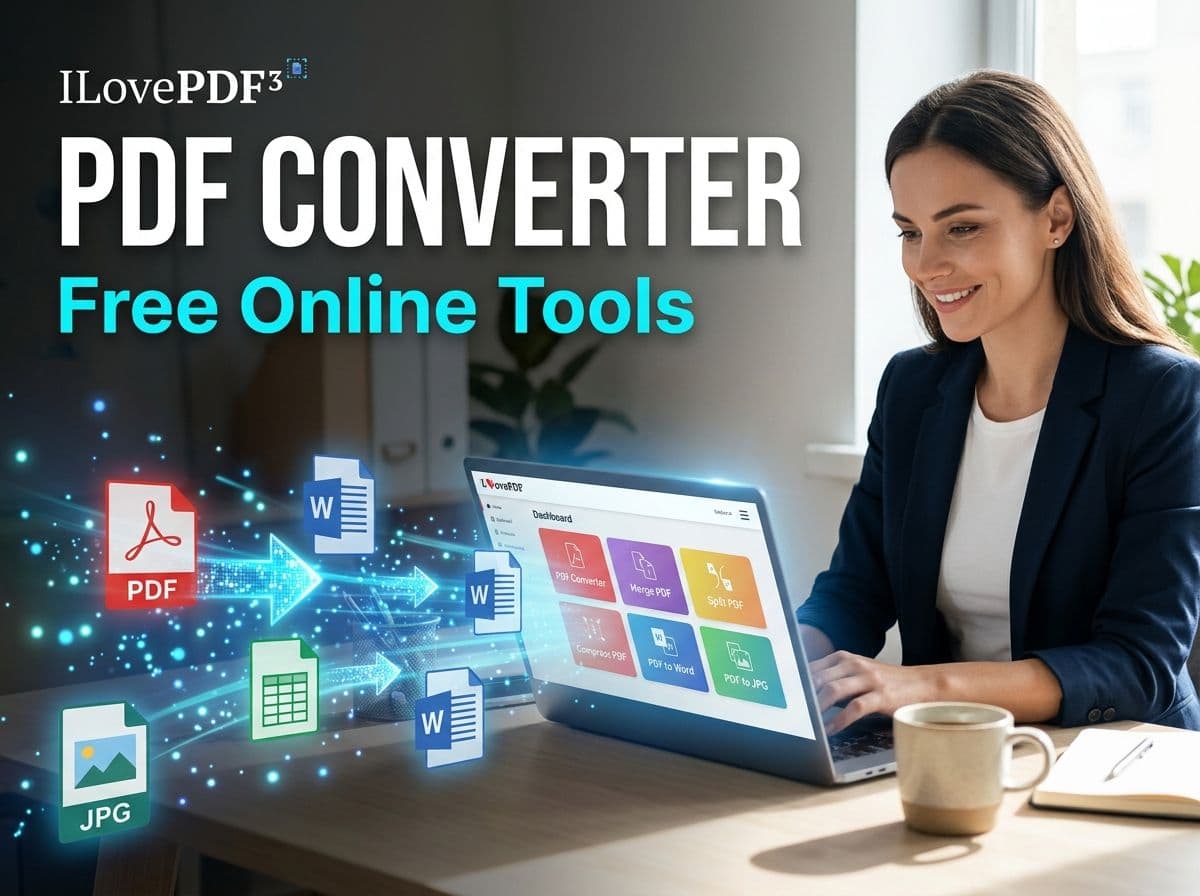
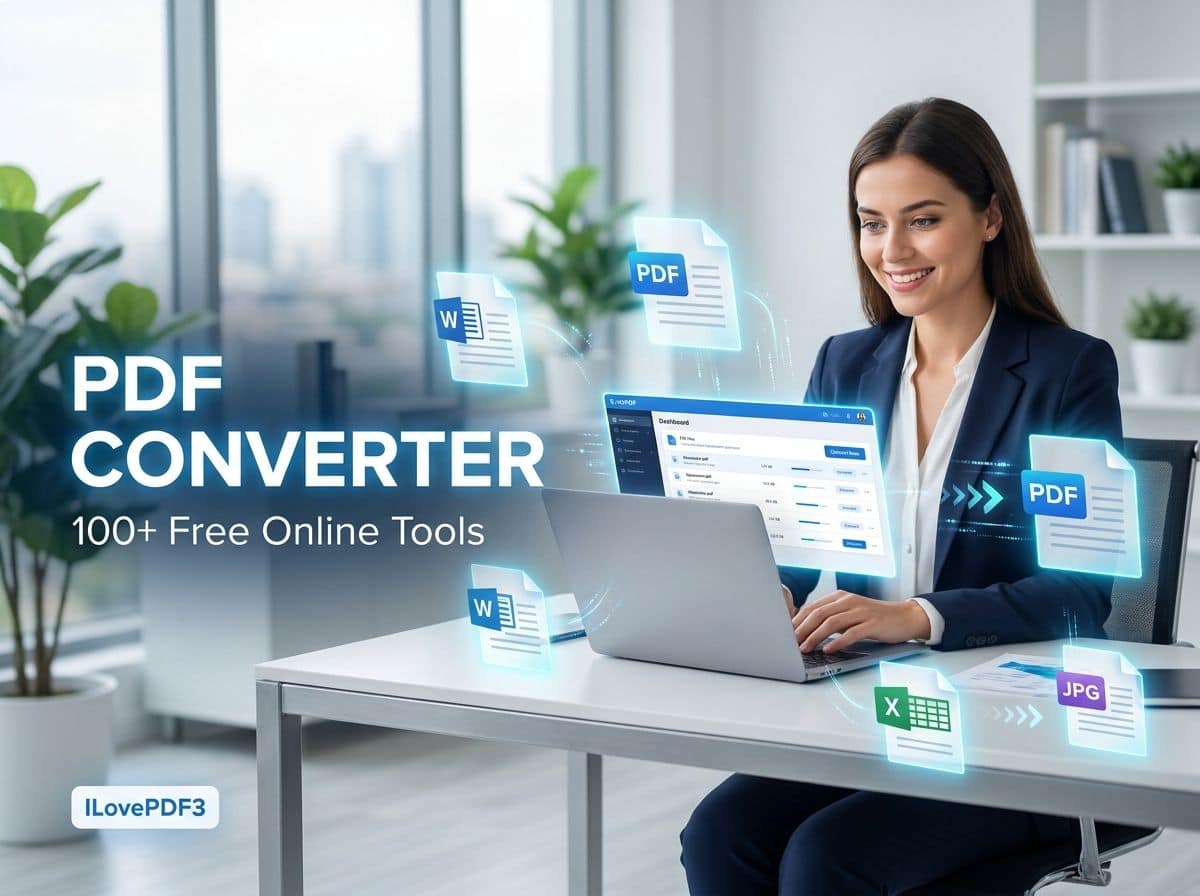
For students, remote workers, freelancers, and businesses alike, everyday digital workflows depend on quick document management. Instead of cluttering your hard drive with heavy desktop applications for single-use tasks, modern browser-based utilities offer a frictionless alternative. Platforms like ILovePDF3 bring over 100 free document utilities together in one place, changing how we handle digital files on the fly.
Why PDF Formats Still Rule (and Why They Frustrate Us)
PDFs remain the gold standard for sharing documents. They preserve formatting, fonts, and layouts seamlessly across Windows, macOS, iOS, Android, and Linux.
However, that rigid security is also a double-edged sword: PDFs are notoriously stubborn to edit.
- A student needs to pull out specific pages from a 100-page textbook chapter.
- A small business owner has a scanned contract that needs converting into a Word file.
- A marketer needs high-resolution PDF pages converted into crisp image assets.
When these micro-tasks pop up constantly, jumping between different sketchy websites wastes precious time. Having a centralized toolkit changes the game entirely.
Essential Document Utilities Every User Needs
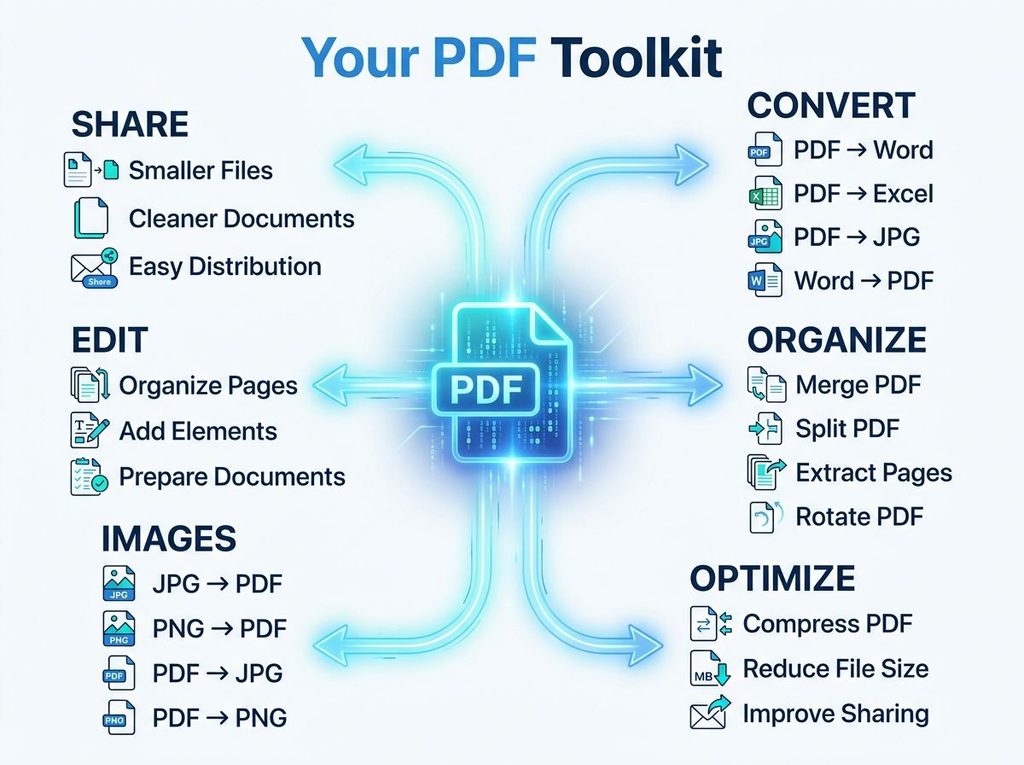
A comprehensive online document platform isn’t just about simple conversions; it’s a complete digital toolbox designed to solve everyday bottlenecks.
1. Seamless Format Conversion
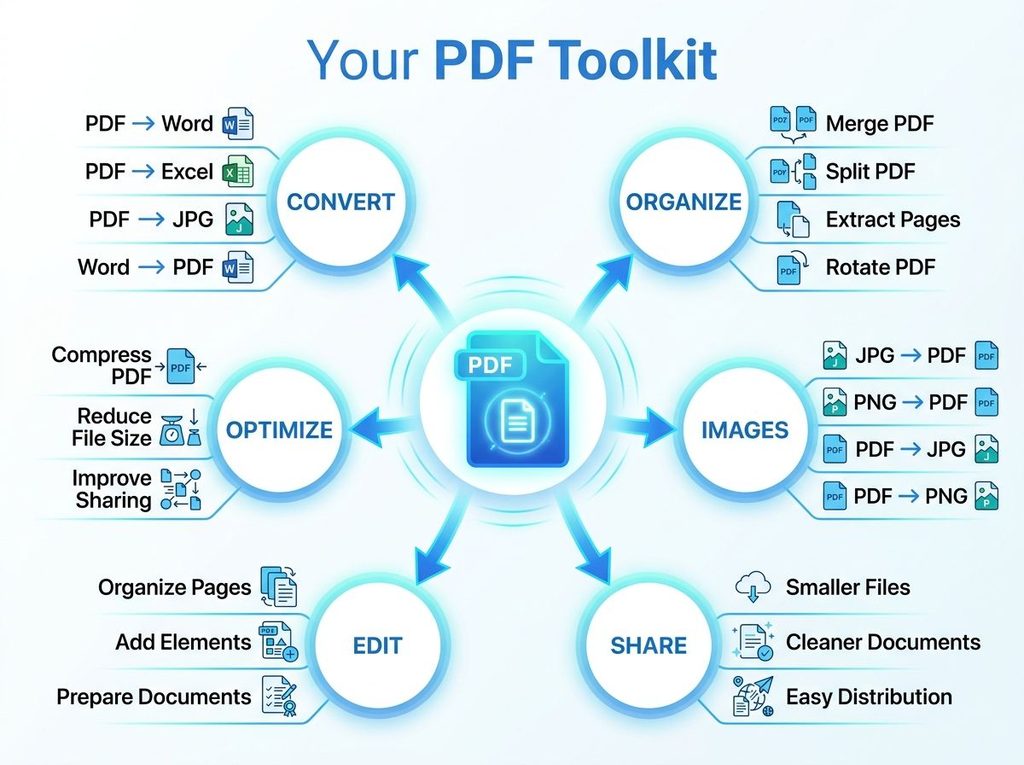
Whether you need to turn a Word report into a polished PDF before sending it to a client, or pull numbers out of a PDF table into Excel, format converters bridge the gap between fixed-layout viewing and active editing. Common conversions include:
- PDF to/from Word, Excel, & PowerPoint
- Image conversions (JPG to PDF, PDF to JPG/PNG)
2. Compression for Heavy Files
High-resolution photos and scanned graphics quickly bloat PDF file sizes, causing rejections from email servers, scholarship portals, and cloud upload limits. Compression tools shrink file weight while preserving visual clarity.
3. Merging and Splitting
- Merging: Combine separate project proposals, scattered lecture notes, or invoice receipts into a single, cohesive file.
- Splitting: Extract just pages 12 through 16 out of a massive 50-page document so you only share what matters.
Your 5-Step Quick Workflow
Using browser-based utilities is designed to be intuitive, requiring zero technical background:
- Diagnose: Identify your goal (e.g., “I need to merge three PDFs and compress the output”).
- Select: Navigate to an all-in-one platform rather than searching for separate websites.
- Upload: Drop your file securely into the browser tool.
- Process: Let the automated utility execute the task in seconds.
- Download: Grab your finished, ready-to-use file and get back to work.
Final Thoughts
Managing documents shouldn’t require an engineering degree or a paid software subscription. By leveraging browser-based toolsets like ILovePDF3, you can convert, compress, merge, split, and organize files across any device—whether you’re working from a laptop at your desk or a smartphone on the go.
Skip the software downloads and streamline your digital day. What document task do you need to tackle first?