Turning Files IntoWhat You Actually Need

Field notes / document workflow
Turning Files Into
What You Actually Need
A practical, no-nonsense walkthrough of converting between PDF, image, and spreadsheet formats — without wrecking quality, losing formatting, or burning twenty minutes on something that should take twenty seconds.
Every file format was built for a different job. PDFs hold a layout still. Images capture a moment exactly as it looked. Spreadsheets like numbers arranged in rows. The trouble starts the moment you need a document to do a job it wasn’t built for — and that’s when “just convert it” turns into a genuine headache: blurry exports, broken tables, pages that print at the wrong size, or software that gates the good features behind a subscription you didn’t want.
None of that is necessary. Below is a short map of the conversions people actually run into most often, what tends to go wrong with each one, and a straightforward tool for handling it properly the first time.
How the process works
The Conversion Pipeline
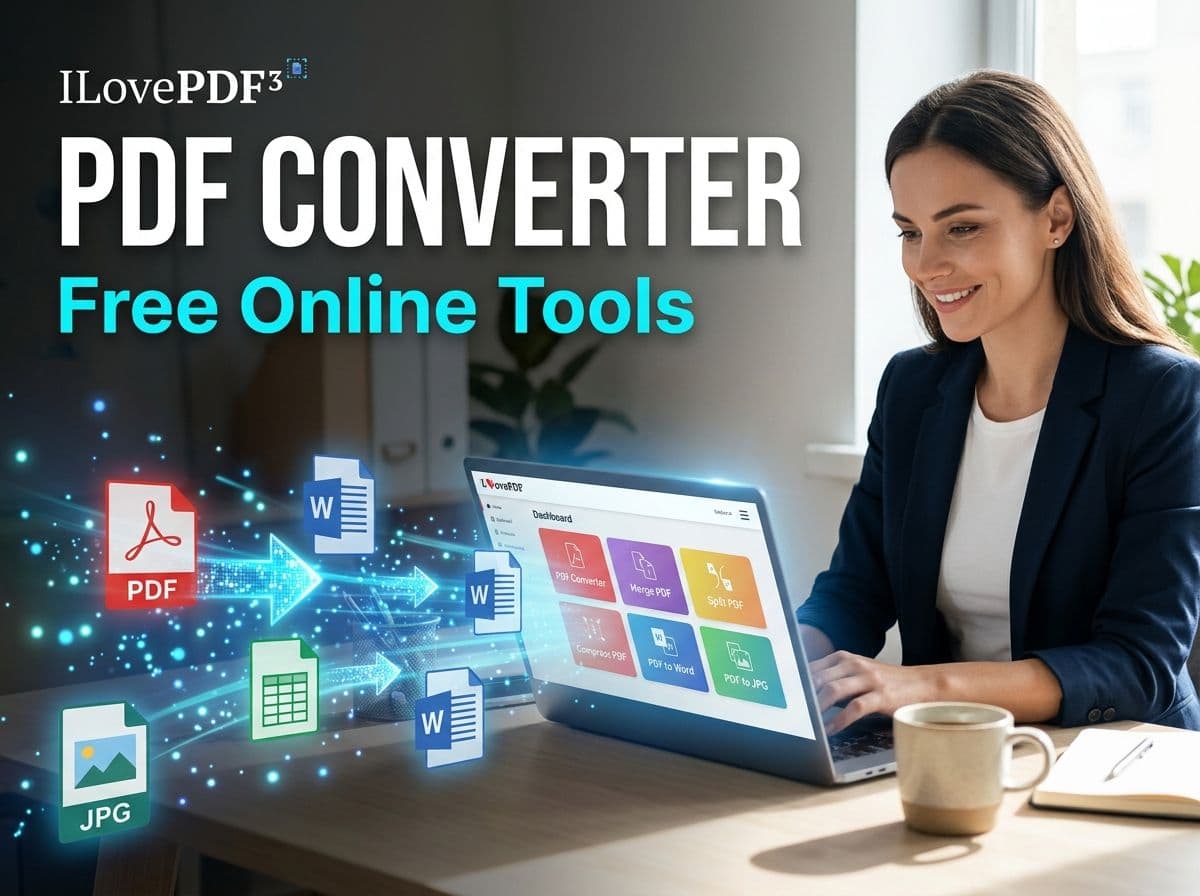
Underneath the different tools, the mechanics are always the same three moves. Understanding them makes it obvious why some conversions are instant and others are slower — and why “drag and drop” tools are doing real work behind that simple interface.
Upload
Your source file is read and its structure is mapped — text blocks, images, table cells, pages.
Convert
That structure is rebuilt in the target format’s own rules, instead of just changing the file extension.
Download
You get back a file built natively for its new format — not a screenshot wearing a different extension.
Reference set
Five Conversions Worth Bookmarking
These cover the situations that come up constantly — sending a document somewhere that only accepts images, turning scanned pages back into a single shareable PDF, or pulling structured data out of a file that wasn’t meant to be edited.
PDF to JPG
Useful when a page needs to be dropped straight into a slide deck, a chat thread, or a design mockup — places that read images, not documents. Each page exports as its own image, at the resolution the page was actually built for.
Open PDF to JPGJPG to PDF
The reverse trip: a stack of photographed or scanned pages becomes one properly ordered PDF. This is the difference between emailing nine loose photos and emailing one document that opens in order.
Open JPG to PDFText to Excel
For raw, delimited, or copy-pasted text that’s really a table in disguise. Instead of manually splitting it into columns, this reads the pattern in the text and lays it into proper spreadsheet rows and cells.
Open Text to ExcelPNG to PDF
PNGs keep sharp edges and transparency, which is exactly why screenshots, diagrams, and graphics tend to live in that format — right up until you need to submit or archive them as a document. This closes that gap cleanly.
Open PNG to PDFEmail Extractor From PDF
For the specific, oddly common task of pulling every email address out of a long PDF — a contact sheet, an exported report, meeting notes — without scrolling through and copying each one by hand.
Open Email ExtractorQuick reference
Which Tool Do I Actually Need?
A one-glance map from “what I have” to “what I need it to become.”
Before you convert
Four Habits That Save You a Redo
Keep your source file. Conversion is rarely perfectly reversible — always hang onto the original until you’ve confirmed the new file opens and reads correctly.
Check page order first. When combining images into a PDF, confirm the order before exporting — reordering afterward usually means starting over.
Rename before you forget. A batch of exports named “download (3).jpg” is a problem for future-you. Rename immediately, while you still remember what’s what.
Skim before sending. Text extraction and table conversions occasionally misread a character or merge a cell — a quick skim catches it before your recipient does.
Common questions
Before You Ask
Only if you export at a low resolution. A PDF page is rebuilt as an image at export time, so the sharpness depends on the resolution you choose — not on the PDF itself losing anything.
Yes — that’s exactly what a JPG/PNG to PDF conversion does. Each image becomes its own page, in the order you arrange them, inside one PDF file.
Structured data like tables and delimited lists generally holds up well because the columns are pattern-matched. Free-flowing prose formatting, like custom fonts or exact spacing, doesn’t carry over the same way — the words are preserved, the styling isn’t.
Treat any online conversion the way you’d treat any file upload: fine for routine documents, worth avoiding for anything highly sensitive unless you’ve confirmed how the service handles and deletes uploaded files.